Steam in Tunisia: buy games without a bank card
4 min read
How to buy Steam games in Tunisia without an international bank card: a Steam card in US dollars paid in dinars, which amount to pick and how to redeem it.
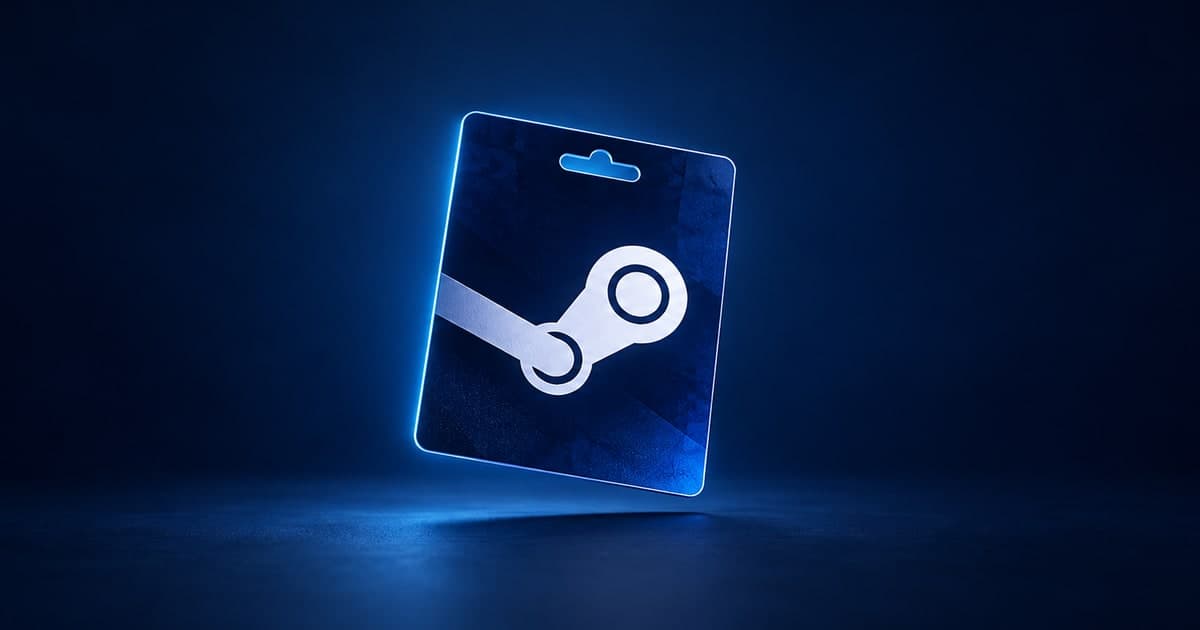
Yes, you can buy Steam games from Tunisia, even without an international bank card. The simplest way is a Steam card: a code in US dollars that adds credit to your Steam Wallet. On Karta, you pay for it in dinars, by bank transfer or in cash, and you get the code by email.
Can you buy on Steam from Tunisia?
Steam works normally in Tunisia: you create an account, install Steam and play free games without paying anything. Tunisia is part of Steam's "MENA – USD" region. Store prices there are in US dollars, and the wallet of an account made in Tunisia is in dollars too.
The problem comes at checkout. For a paid game, Steam asks for an international payment method, usually a Visa or Mastercard that works abroad. Many players don't have one, and Tunisian international cards have spending limits. We cover this in more detail in paying online from Tunisia without a bank card.
Why a Steam card is the simplest way
A Steam card, or Steam gift card, is a code. When you redeem it, its amount goes into your Steam Wallet, just as if you had paid by card. Then you buy on Steam with that credit, with nothing else to provide.
- No bank card. You pay for the card in dinars, by transfer from any Tunisian bank or in cash, in person in Monastir.
- No password to share. You get a code and add it to your account yourself. Karta never asks for your Steam login.
- The right currency. Our cards are in US dollars, the currency of Steam accounts made in Tunisia.
One thing to check: if your account was made in another country, its wallet may be in another currency, euros for example. Our cards are meant for wallets in dollars. If you're not sure, message us on WhatsApp before you order.
Which Steam card amount should you pick?
Karta sells Steam cards of 5, 10, 20, 25, 50 and 100 USD. To choose:
- Check the game's price on Steam, in dollars.
- Take the card equal to that price or just above it. For a 15 USD game, a 20 USD card is enough.
- To get closer to the price, combine several cards: codes add up in your wallet. A 10 card and a 5 card make 15 USD.
Whatever is left after a purchase isn't lost: the credit stays in your wallet for the next game, a DLC or a Market item. A tip: during Steam sales, especially the Summer and Winter sales, many games drop a lot in price. Having credit set aside at that moment lets you buy right away, without waiting for a new order.
How do you redeem a Steam card?
After payment, you get the code by email. To add it to your account:
- Open Steam and sign in.
- Click your account name at the top right, then "Account details".
- Choose "Add funds".
- Choose "Redeem a Steam Wallet code" and enter the code from your email.
- Confirm: the amount goes into your Steam Wallet.
You can also go straight to the redeem a Steam gift card page and enter the code there. Do it yourself, on Steam only, and never share the code with someone who offers to "activate it for you".
What can you buy with Steam credit?
Anything paid with the Steam Wallet:
- games, for yourself or as a gift to a friend;
- DLC and expansions for games you already own;
- Community Market items, like Counter-Strike 2 skins;
- in-game purchases in games that use the Steam Wallet.
The credit only works on Steam. If you also play Riot games on PC, Valorant and League of Legends don't go through Steam: they have their own cards, in euros, for Europe accounts. We explain everything in League of Legends RP in Tunisia.


Do you need a Tunisian Steam account?
No, but it's the simplest case. What matters is the wallet currency: our cards are in US dollars, like accounts made in Tunisia. For an account opened elsewhere, with a wallet in euros or another currency, ask us before you order. We'd rather tell you up front than send you a code you can't use.
Order a Steam card in dinars on Karta
- Open the Steam card page and pick the amount.
- Fill in the order: your name, the email where the code will be sent, your phone and the payment method.
- Pay in dinars, by transfer from any Tunisian bank, or in cash in Monastir by appointment.
- Send the proof of payment from your order page. A person checks that the money has really arrived.
- Get the code by email and add it to Steam yourself.
Every step is explained in our guide to buying a gift card in Tunisia. A question about your account or which amount to take? We answer on WhatsApp 7 days a week. The price in dinars of each amount is shown on the Steam card page, before you order.